
App Setup · Burlington
Set Up Your DexaFit ai Account
Your DexaFit Burlington results land in the free DexaFit ai app the same visit you test.
Download the App
Get the free DexaFit ai app on your phone or tablet:
Tap “Create Account”
Open the app, scroll below the sign-in fields to the bottom of the screen, and tap “Create Account”.
Set Up Your Account
- Enter the same email address you used to book at DexaFit Burlington.
- Pick a strong password you will remember.
- At least one uppercase letter
- At least one lowercase letter
- At least one number
- At least one special character (e.g., ! @ # $ %)
Confirm Your Email
Check your inbox for the message from DexaFit and tap the confirmation link to activate your account.
Log In and Explore
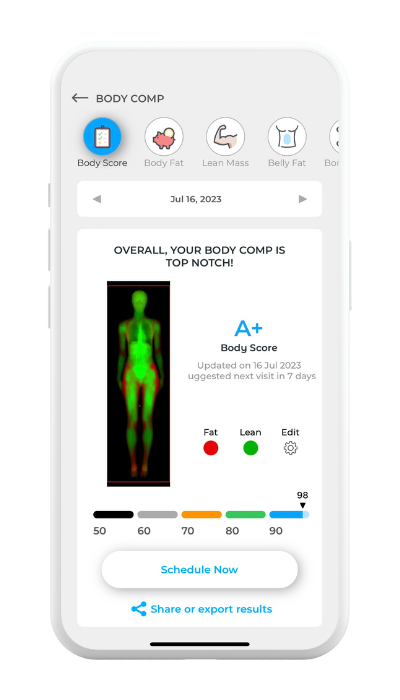
Head back to the app, sign in with your email and password, and you are set. From your dashboard you can see:
- Results from your DEXA scan, RMR test, and VO₂ Max test
- Visceral fat, ALMI, and bone density numbers
- Body composition trends from one visit to the next
- Cardiometabolic insight from DexaFit ai
Not tested in Burlington yet?
Create your account now so your first results are waiting the same visit you test. DexaFit Burlington is at 30 Kimball Ave in South Burlington, just off I-89. Book a time that works for you.
Get DexaFit BurlingtonNeed help?
Having trouble creating your account or logging in? Email support@dexafit.com and the team will help you get set up.